
Adding a rewards/points discount to your subscriptionUpdated 6 months ago
First, log in to your subscription portal by clicking "Manage Subscription" at the top of any page.

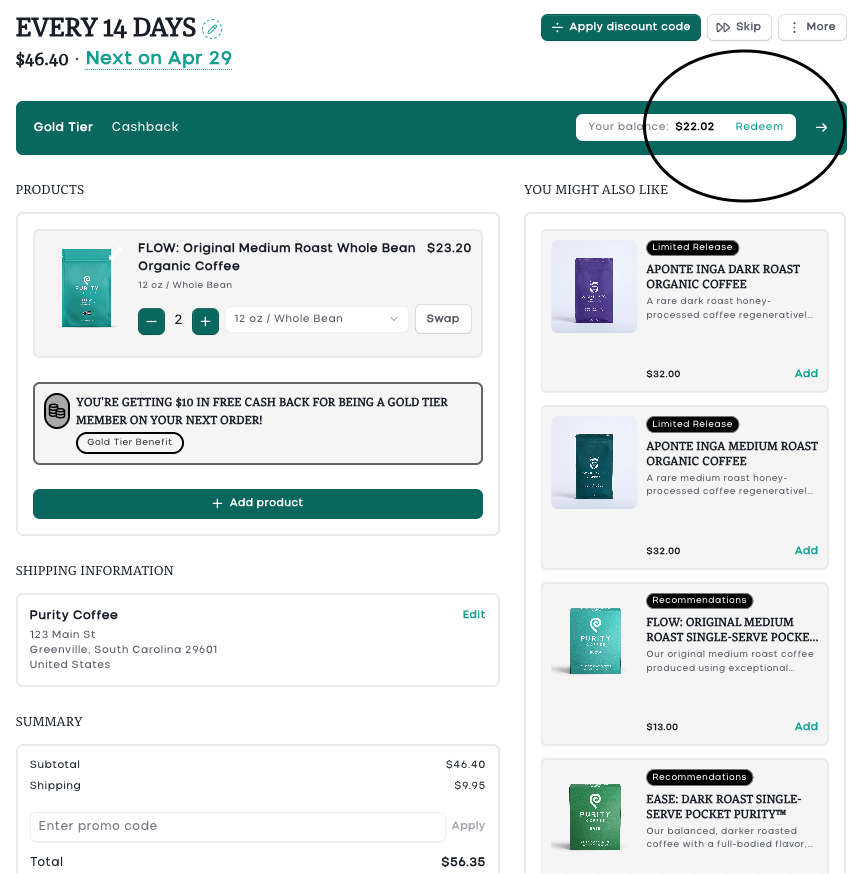
Your rewards balance will show at the top of your subscription portal. Click "Redeem."
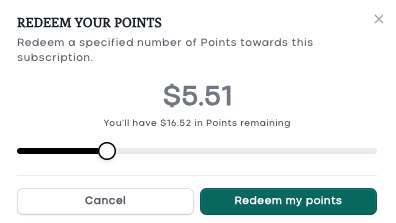
Use the slider to choose the amount of points you'd like to redeem, then click "Redeem my points."
A code will automatically be generated and applied to your next renewal. You’ll see the code and discounted total reflected in your order summary.
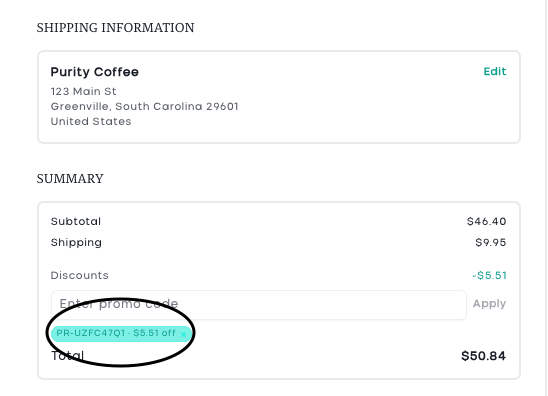
Please note that point discounts cannot be combined with other sales or discounts, only one coupon code is allowed per order.
If you have any questions or concerns, please let us know!