
How do I change my default address?Updated 6 months ago
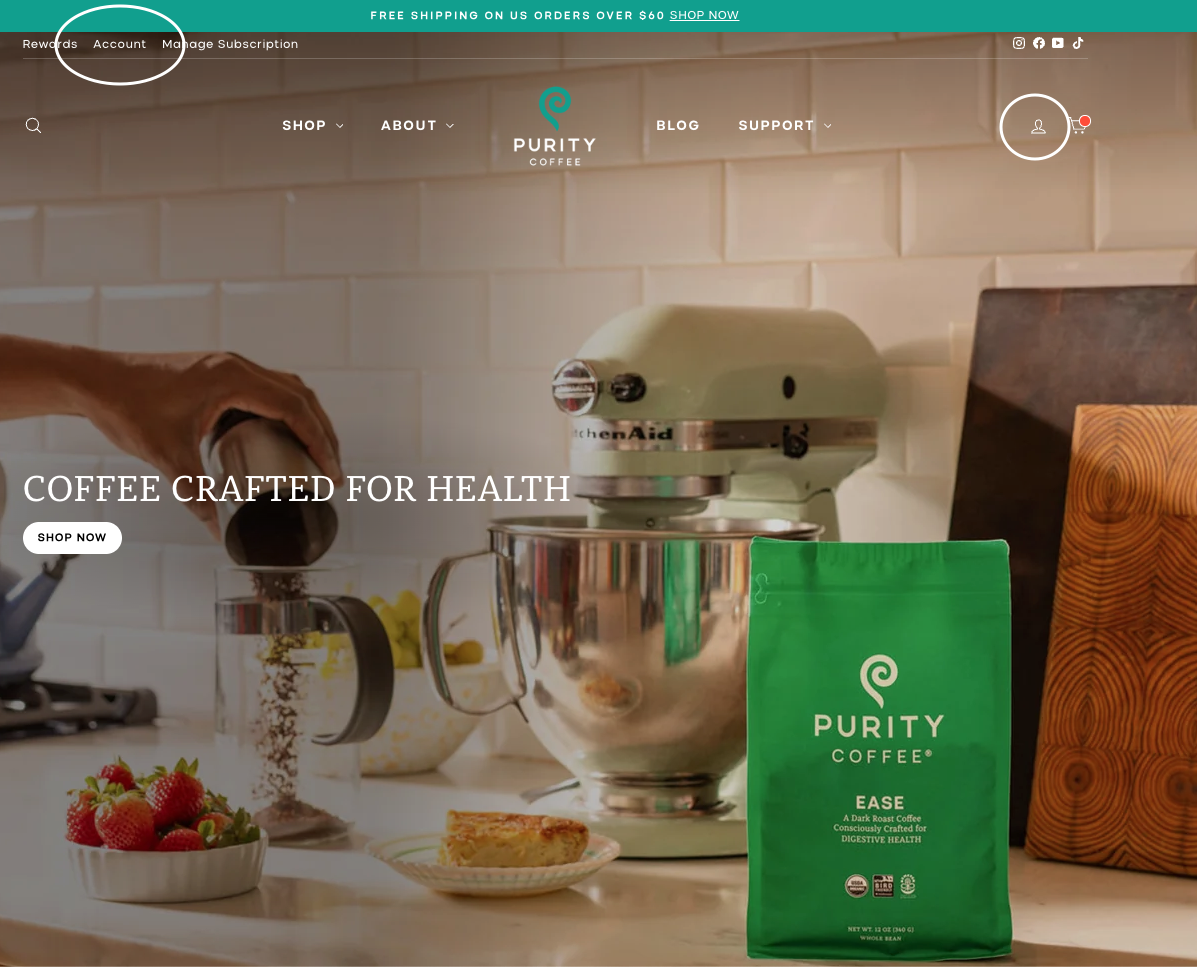
To change your default address, you will first log in to your account. Click the "Account" link or icon from the top of any page.
Enter your email, and you will be sent a 6 digit code by email and text (if you have a phone number associated with your account). This code will expire after 15 mintues.
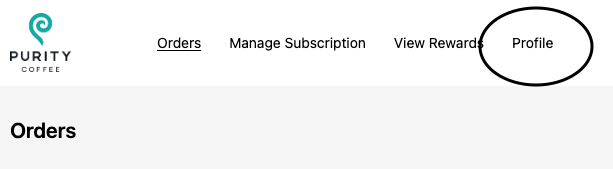
Click "+ Add" to enter a new address, or click the pencil to edit an existing address.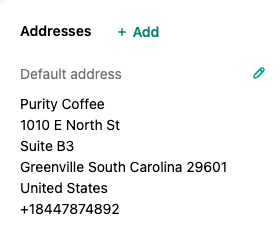
Edit as needed, and if you'd like to save the address as your default, make sure to check the box at the bottom.
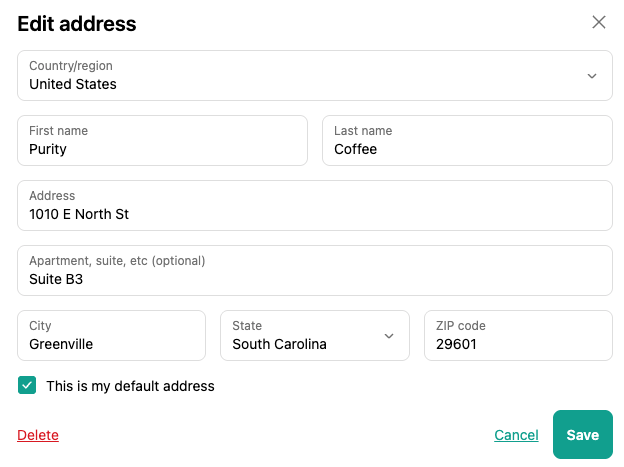
Click "Save", and you'll return to the profile page where you can confirm your changes were saved.
*Note that this will not update the address of an order that has already been placed. If you need to change the address of an order that has already been placed, please contact us at [email protected] or through our Contact Us page as soon as possible, and include the updated address in your message.
This will also not update the address of an active subscription. To update the address on a subscription order, see the instructions here.